Text to Video.
Start with a description and turn the story into moving pictures.
Try adding descriptions of subject, action, scene, lighting, and shots to make the image closer to your imagination.
Your creativity is coming soon
Describe your idea on the left and choose your favorite model.
Your next work starts from this moment.
Start with an inspiration
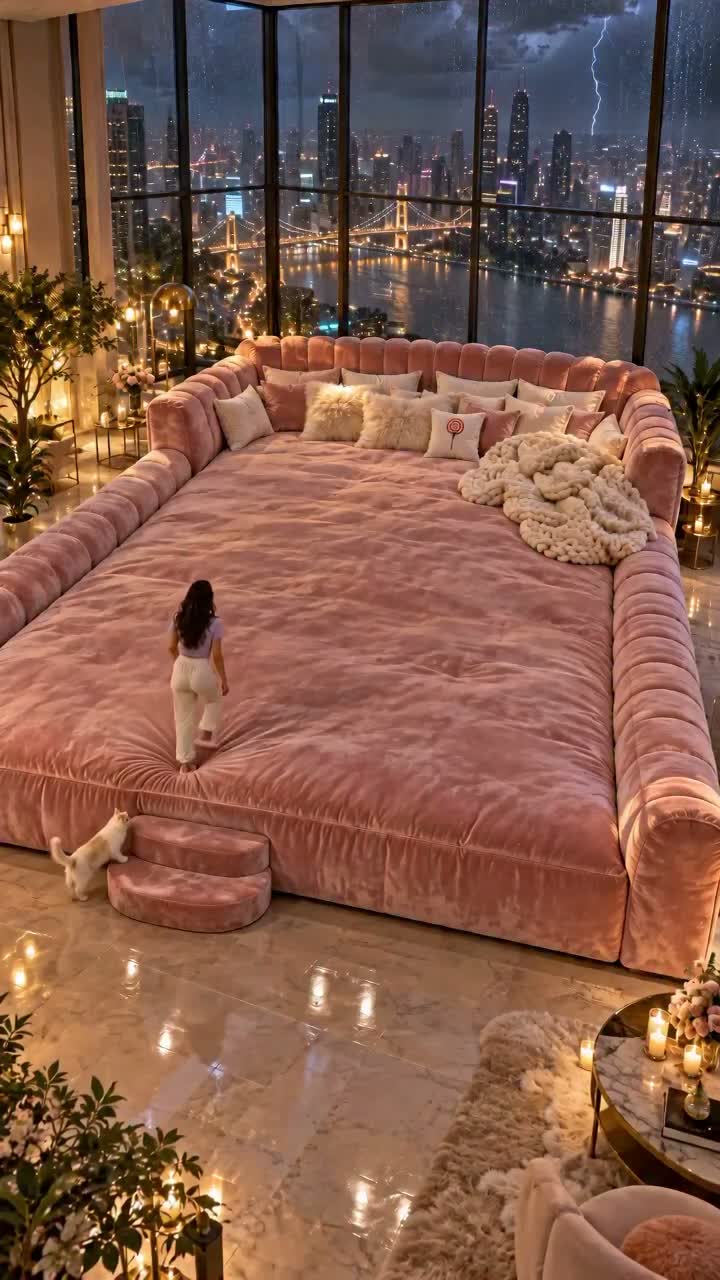
Like this image? Click on the case to try your own version.
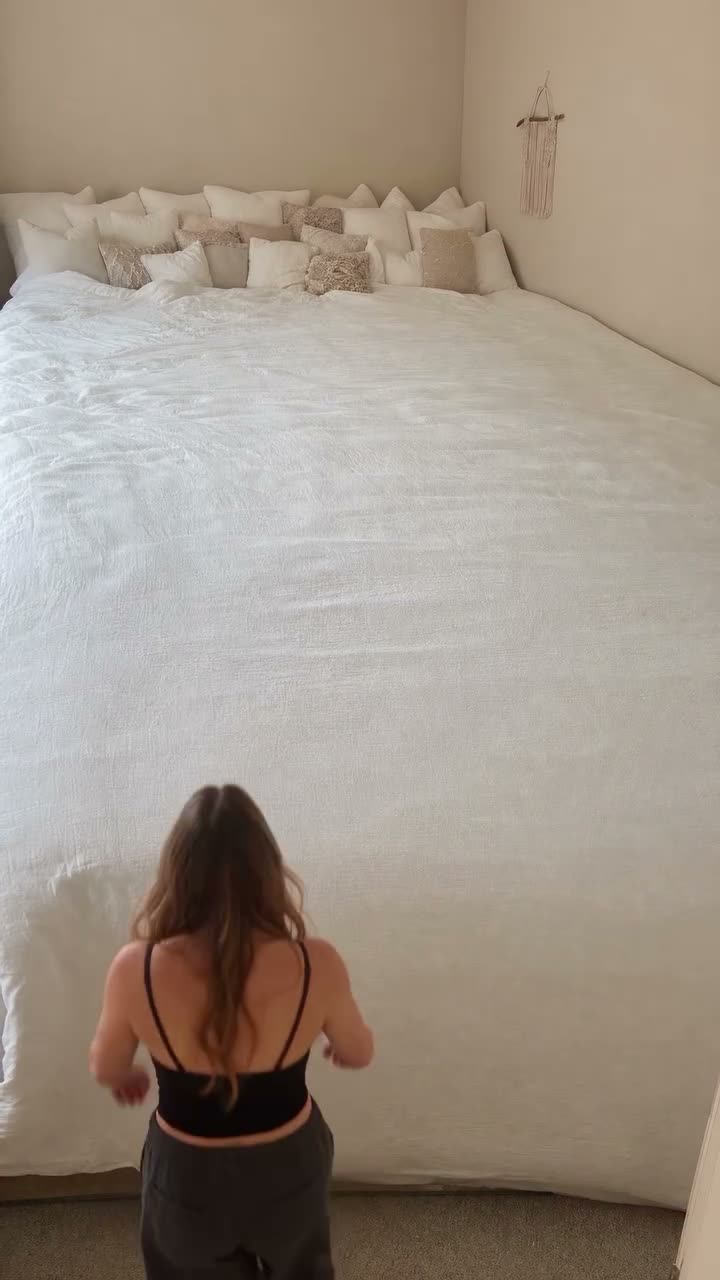
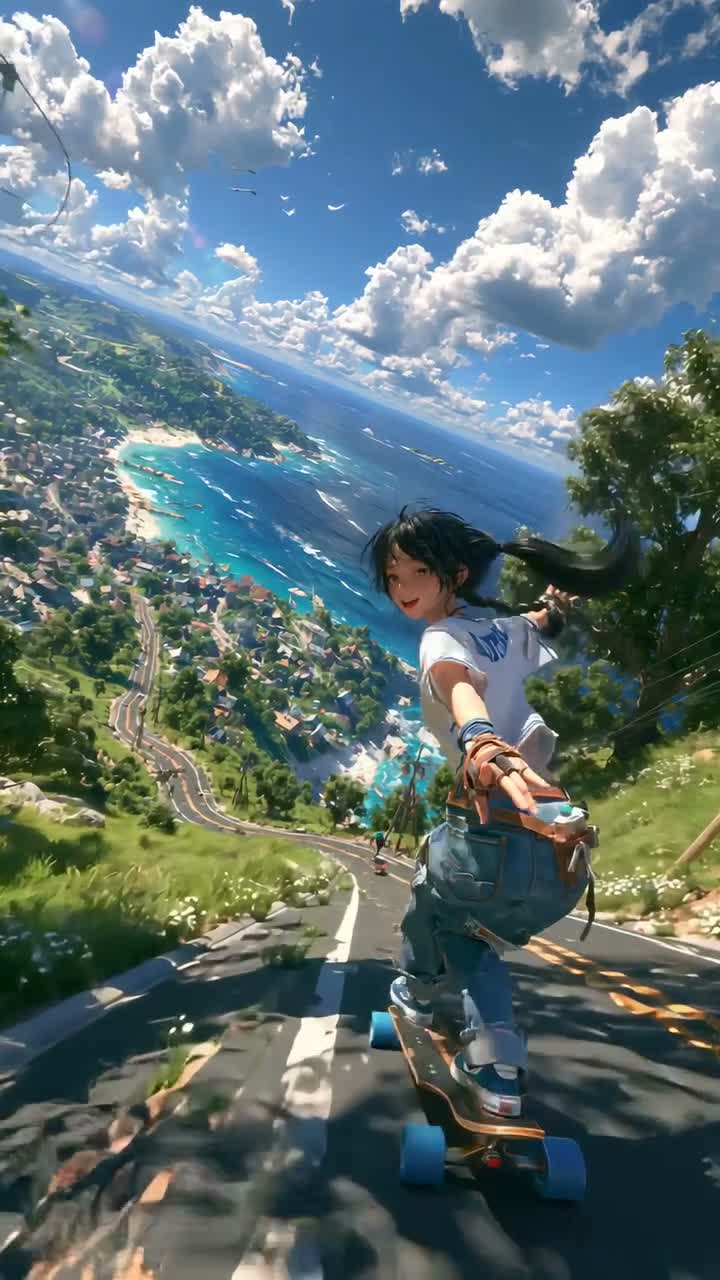
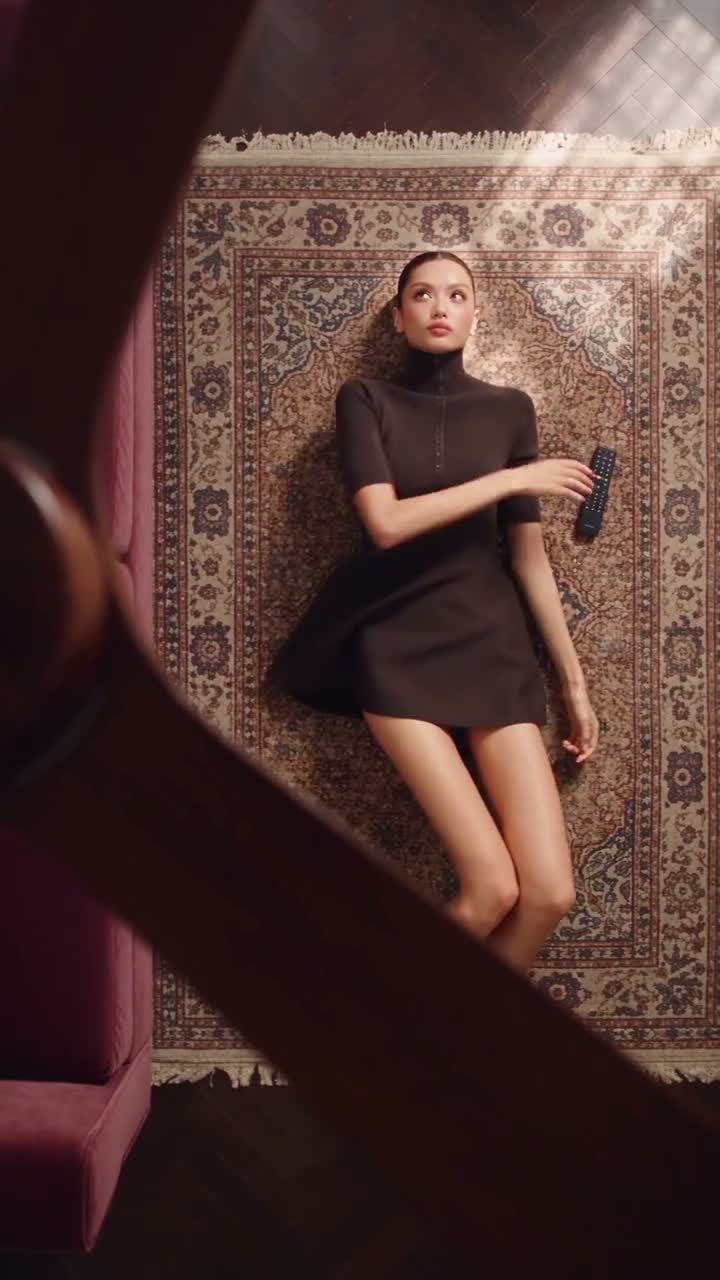
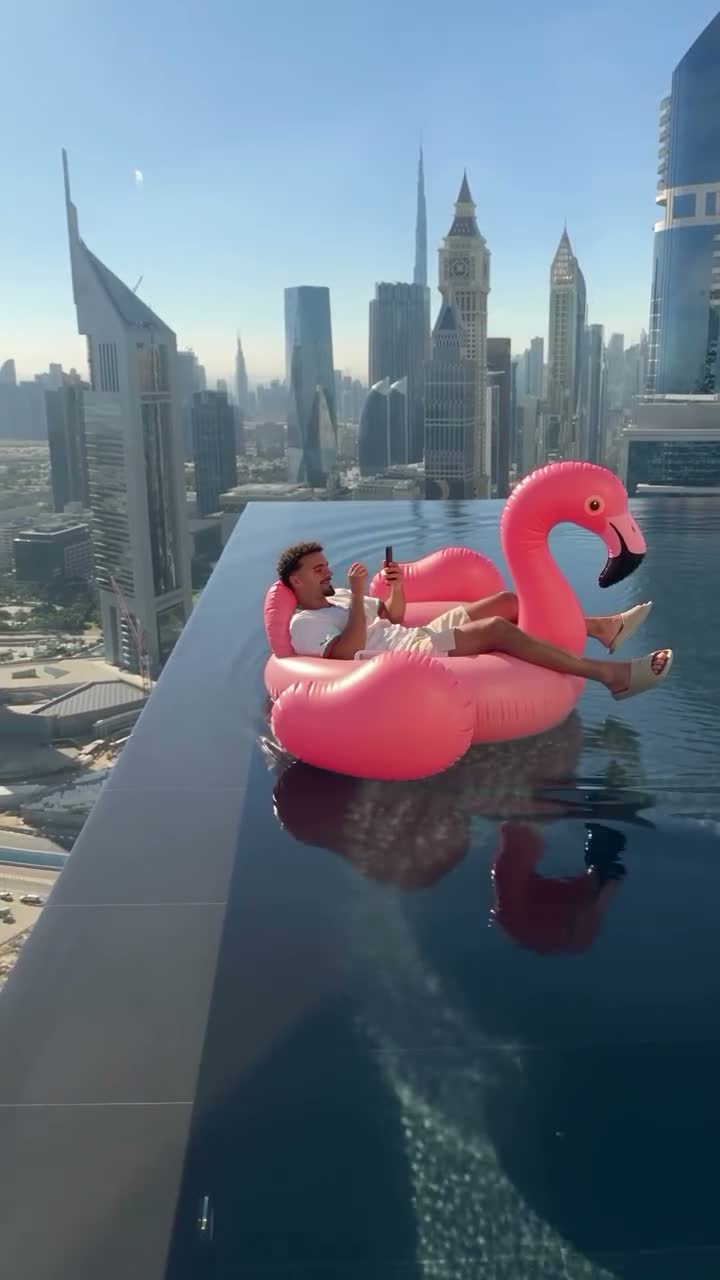
How to use Text to Video
Describe subjects and actions
Write down who is in the frame, what they are doing, and what changes are happening in the scene.
Arrange shots and atmosphere
Add scene, movement, light, style, and rhythm to give the story a clear direction.
Select parameters and preview
Enter the studio to select the model, frame and duration, and experience the complete demonstration process first.
Connect creative methods and inspiration
Text to Video FAQ
Do I need to upload reference images?+
No. Text to Video starts with a written description. Use Image to Video when a character or product image should guide the appearance.
How can I make my prompt more specific?+
Describe a clear shot in the order of "subject, action, scene, lens, light" to avoid requiring many contradictory scenes at the same time.