Text to Image.
Turn the composition in your mind into the first picture of the story.
Try adding descriptions of subject, action, scene, lighting, and shots to make the image closer to your imagination.
Your creativity is coming soon
Describe your idea on the left and choose your favorite model.
Your next work starts from this moment.
Start with an inspiration
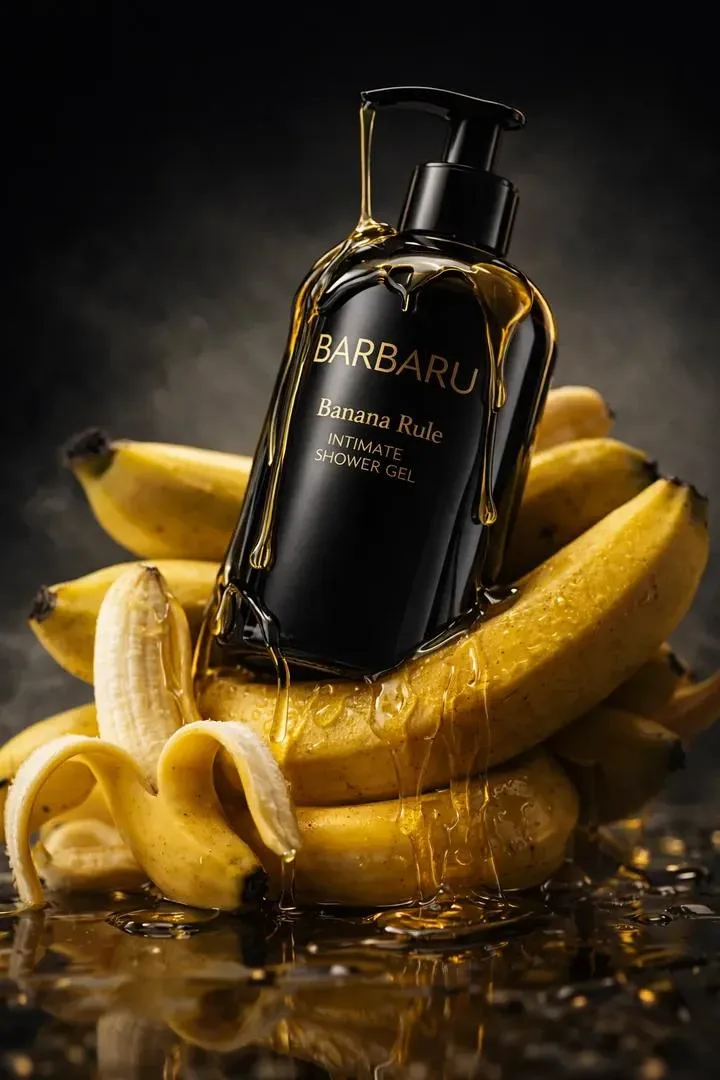
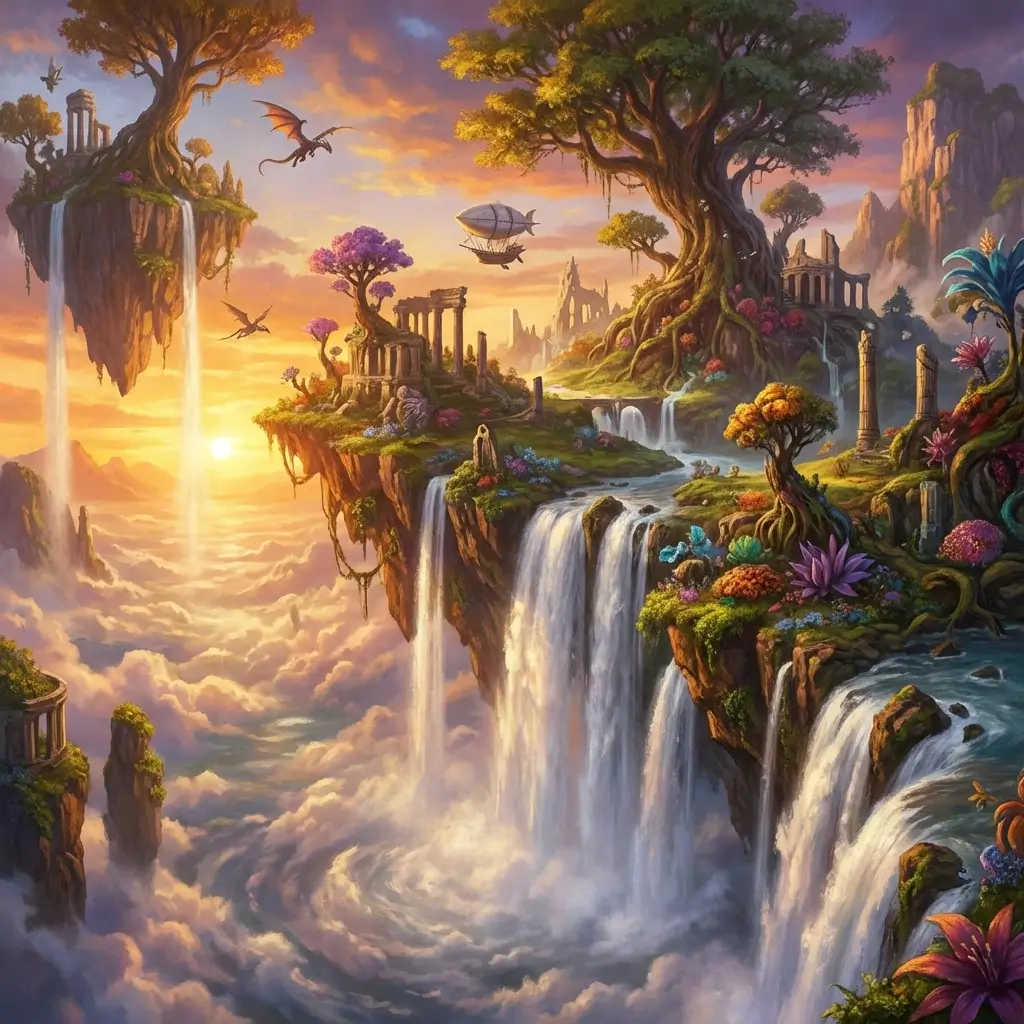
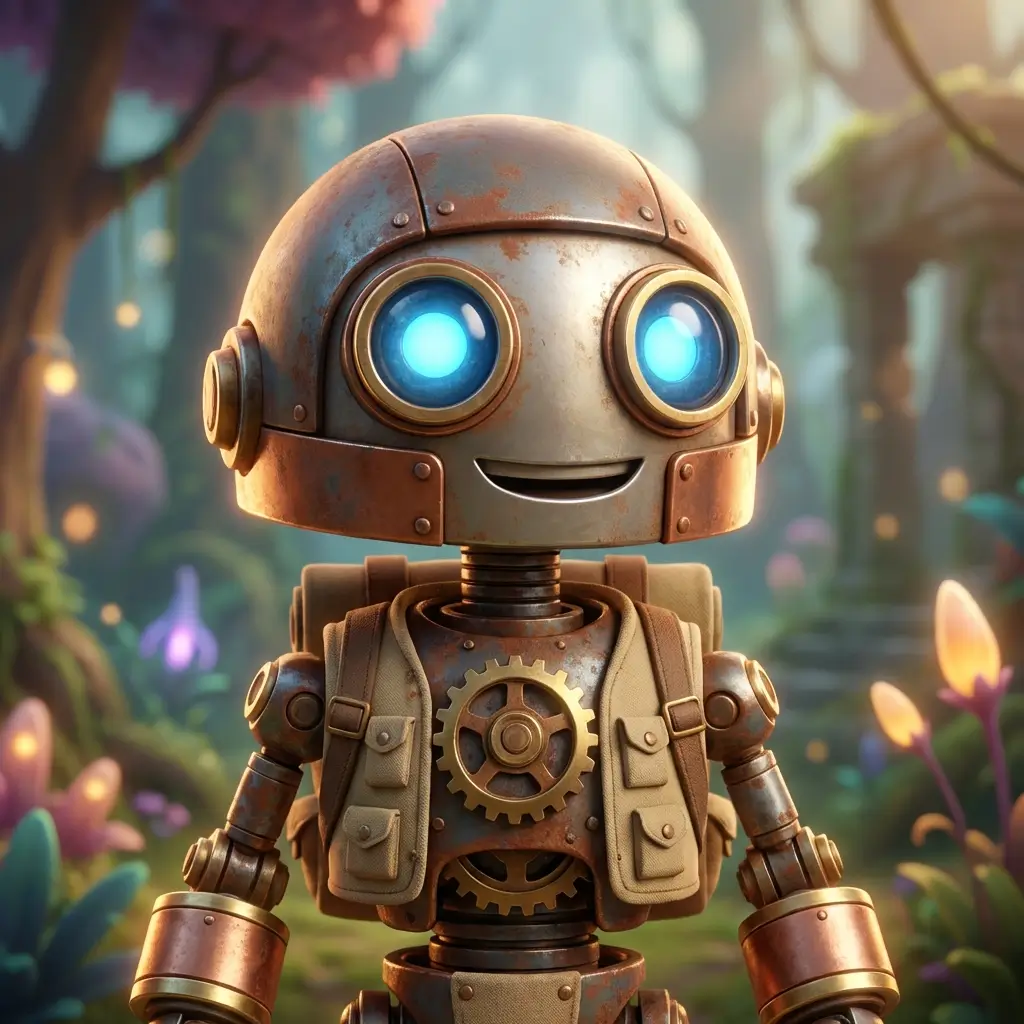
Like this image? Click on the case to try your own version.
How to use Text to Image
Describe the subject and composition
Describe the most important subjects, positional relationships and background in the picture.
Choose a visual language
Complement styles such as realistic, illustrative or three-dimensional, as well as light, texture and tone.
Select size and preview
Enter the picture studio to select the model, proportion and resolution, and experience the demonstration process.
Connect creative methods and inspiration
Text to Image FAQ
Should I use Text to Image or Image to Image?+
Use Text to Image to describe a new scene from scratch. Use Image to Image when an existing picture should guide the result.
Can the generated pictures be used to make videos?+
Page layering has opened up the entrance to image and video creation; the subsequent flow of real output materials needs to be implemented after back-end access.