Reference to Video.
Let your characters, products and scenes enter the same story.
Try adding descriptions of subject, action, scene, lighting, and shots to make the image closer to your imagination.
Your creativity is coming soon
Describe your idea on the left and choose your favorite model.
Your next work starts from this moment.
Start with an inspiration
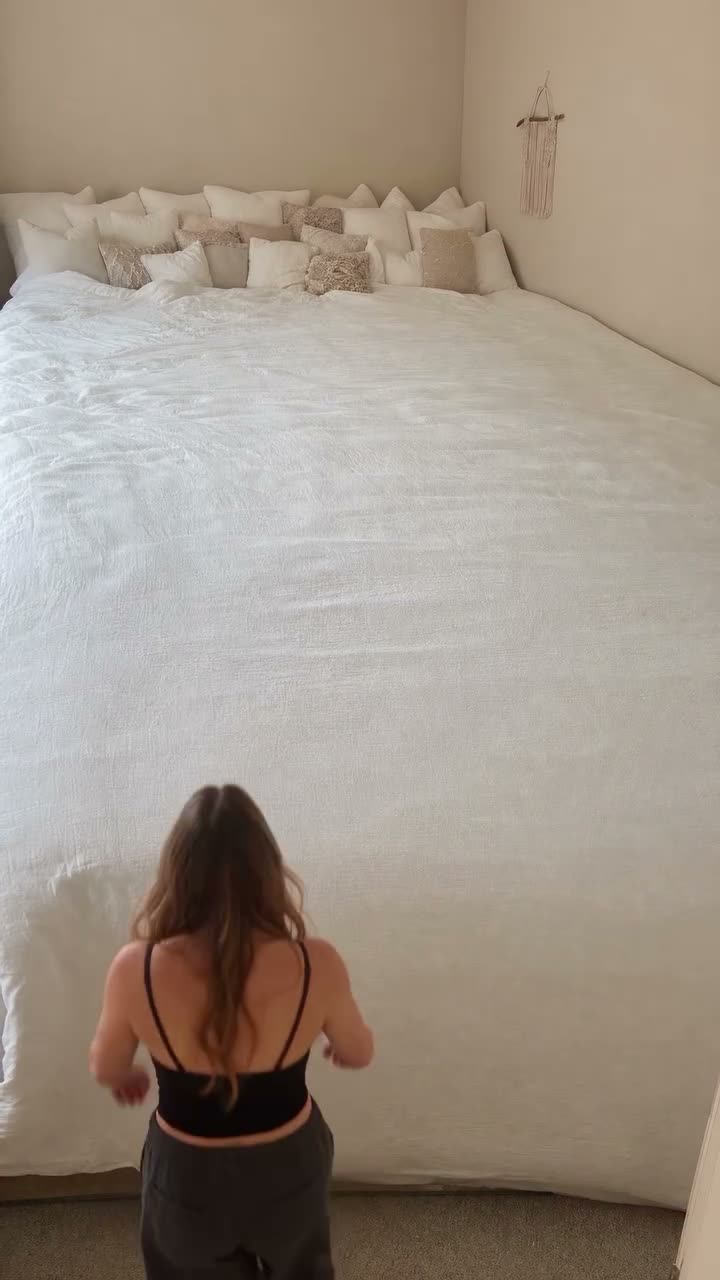
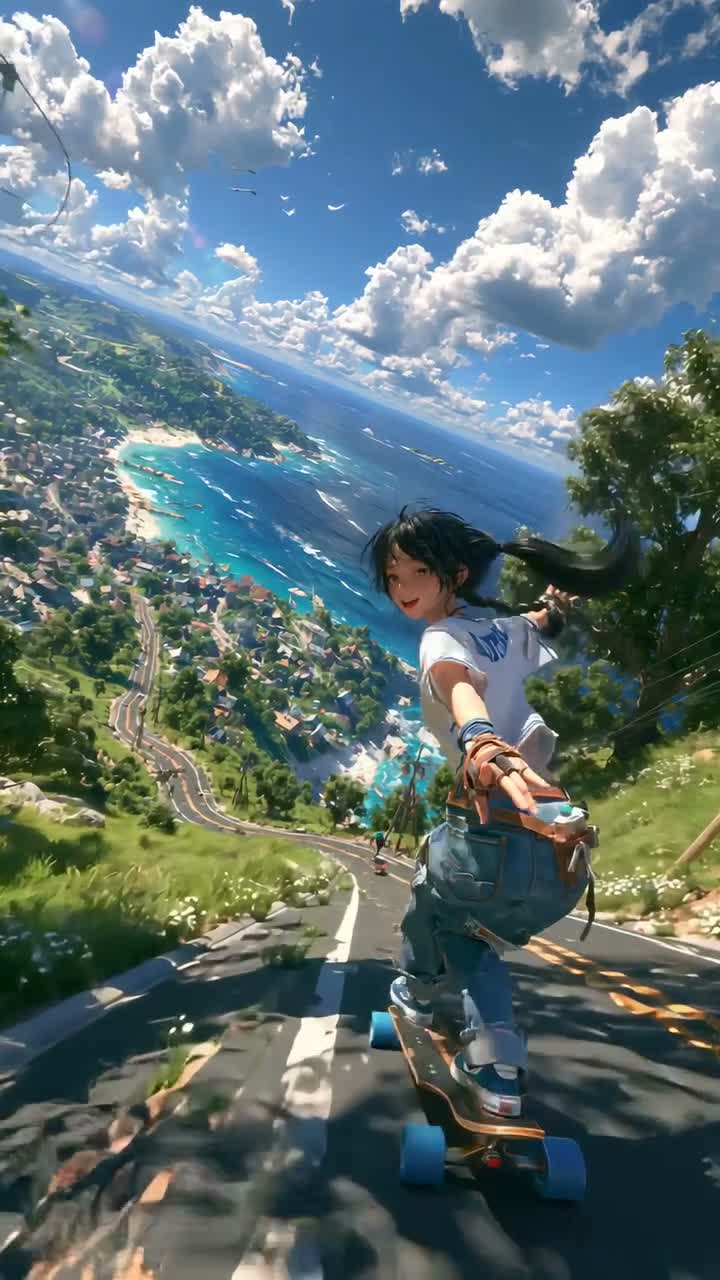
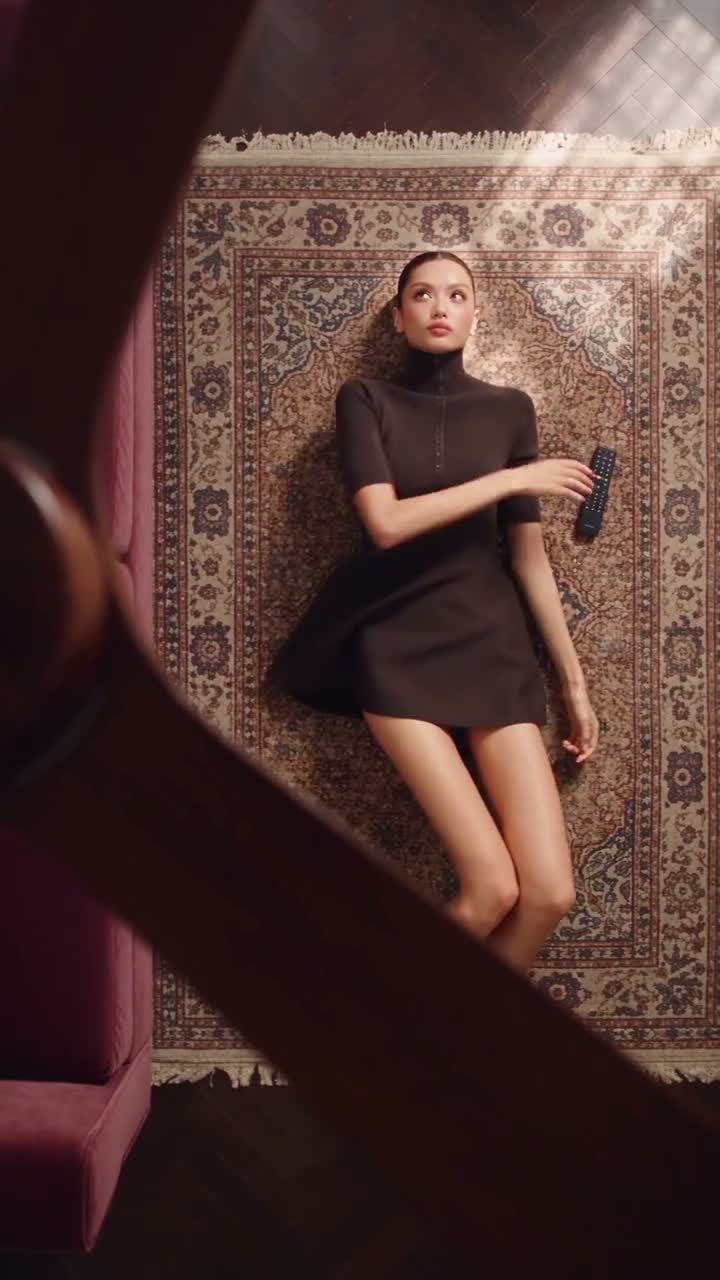
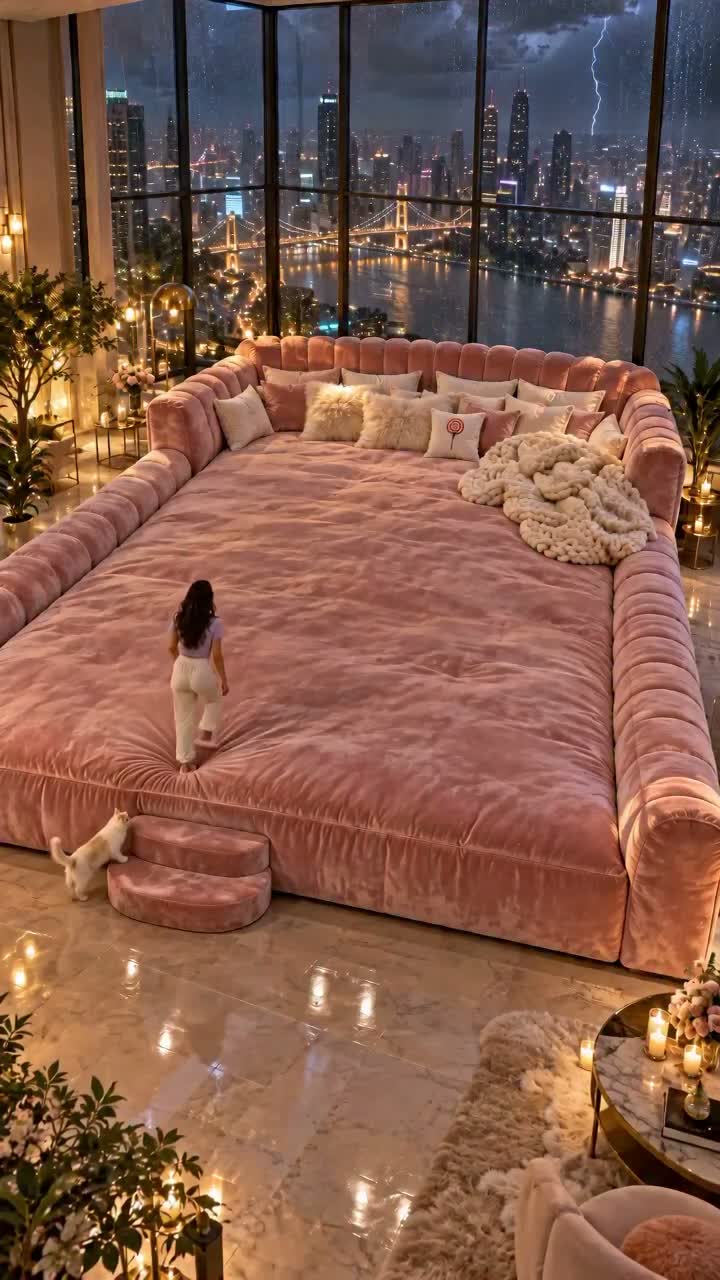
Like this image? Click on the case to try your own version.

How to use Reference to Video
Add reference material
Add up to three pictures to illustrate people, products or scenes using different materials.
Write the character of the source material
Explain in the prompts what each reference picture represents and how they relate to each other in the new picture.
Combine ideas and preview
Enter the reference studio, adjust parameters, and check the order and description of the submitted materials.
Connect creative methods and inspiration
Reference to Video FAQ
How many reference pictures can you add?+
The current front-end accepts up to three pictures, at least one is required; the first and last frame mode requires exactly two.
Can you ensure that the characters and products are completely consistent?+
It is currently a demonstration process and cannot verify the consistency of the real model. After access, it needs to be explained according to the model capabilities and actual results.