Image to Video.
Take a static image and add action, footage and time.
Try adding descriptions of subject, action, scene, lighting, and shots to make the image closer to your imagination.
Your creativity is coming soon
Describe your idea on the left and choose your favorite model.
Your next work starts from this moment.
Start with an inspiration
Like this image? Click on the case to try your own version.
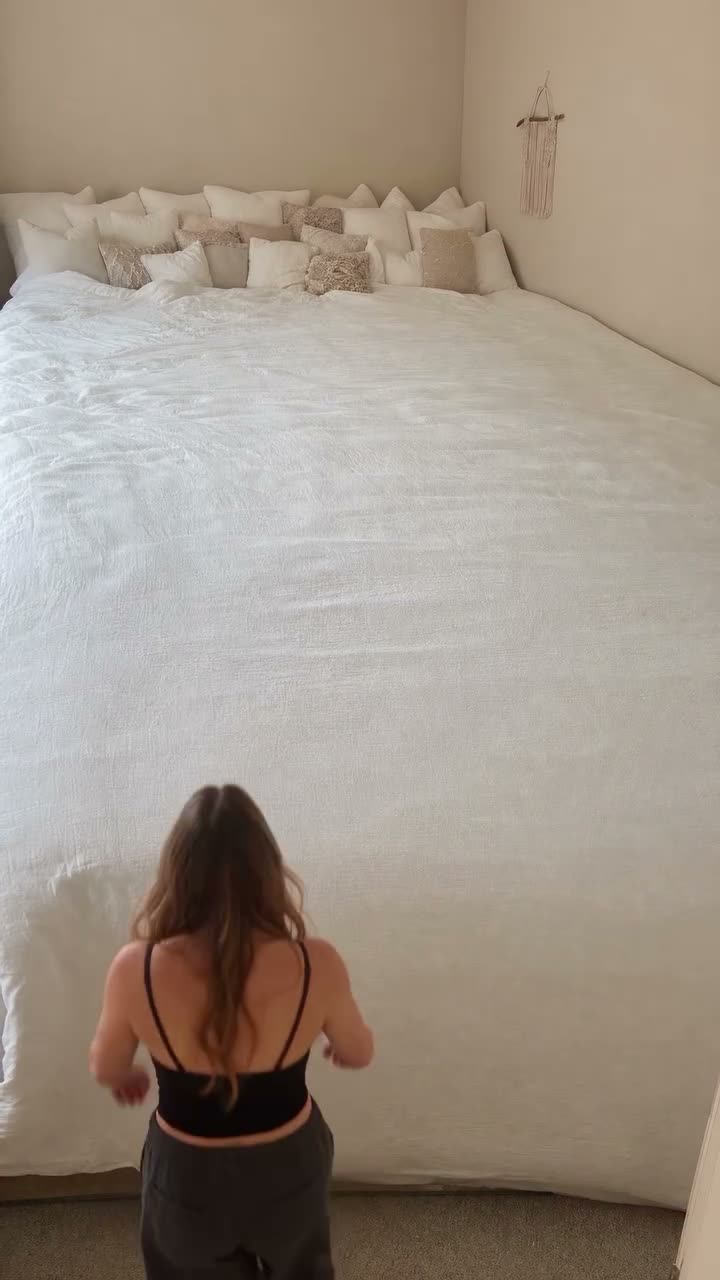
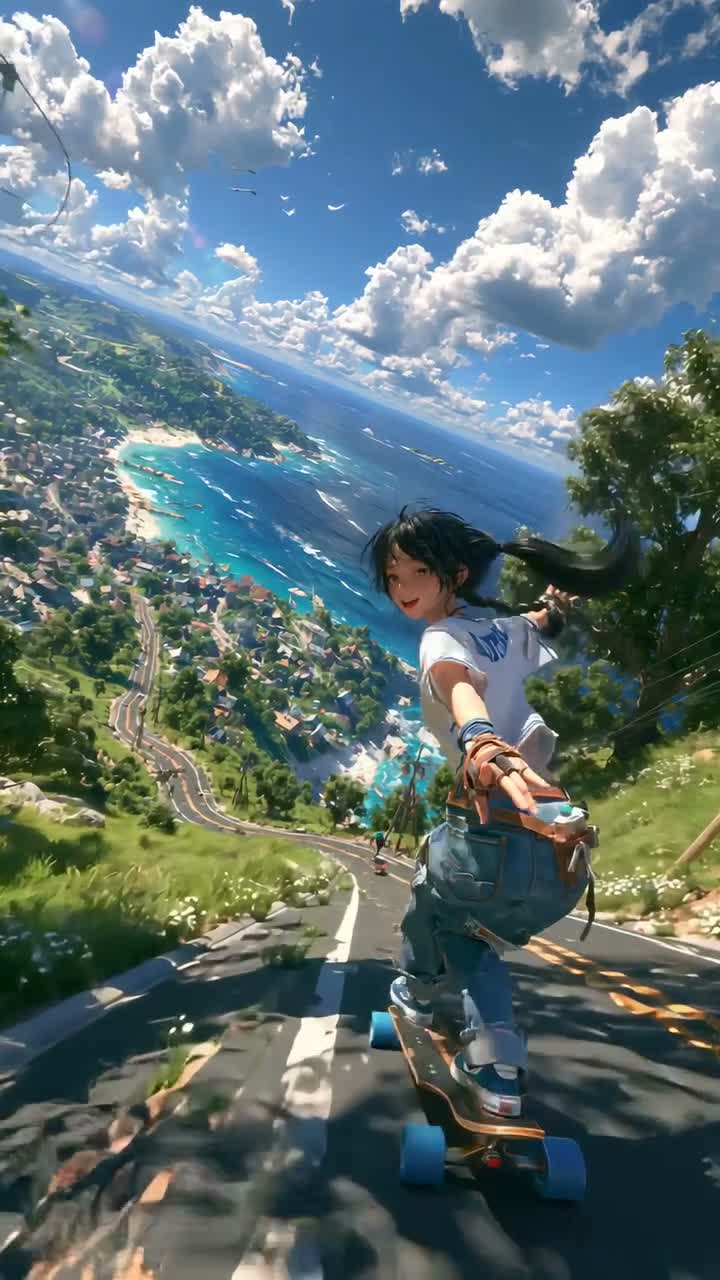
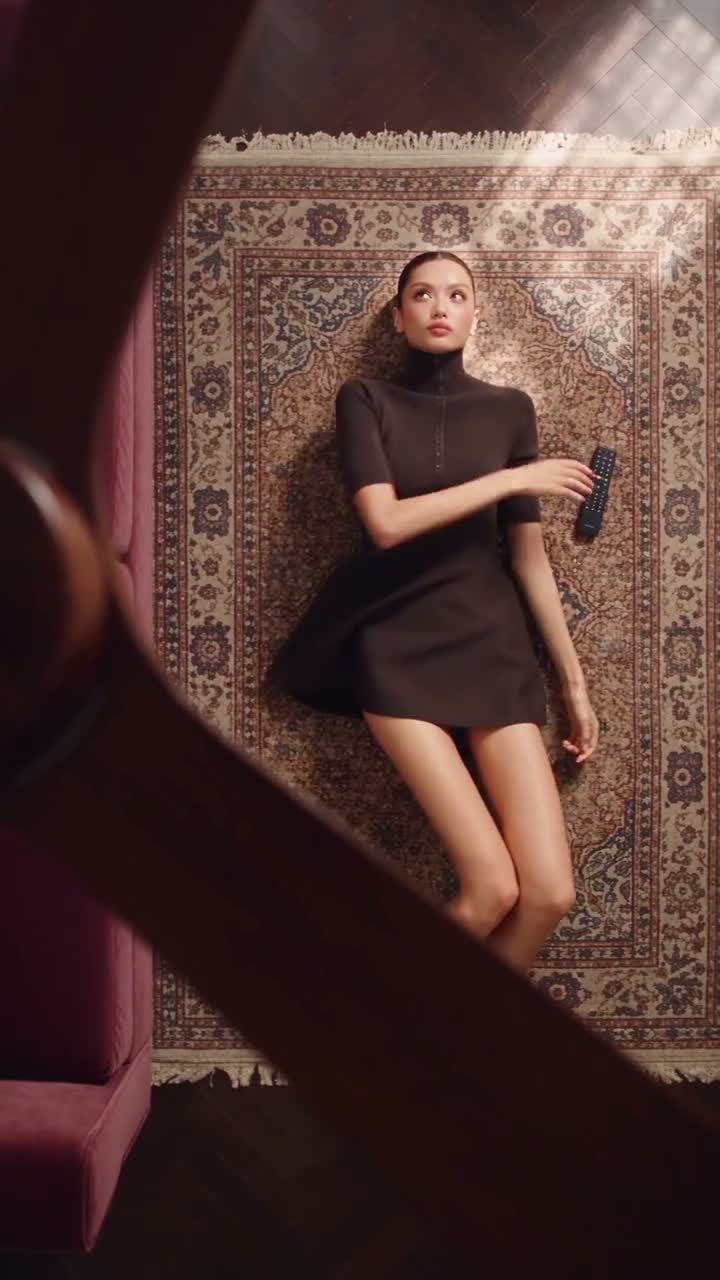
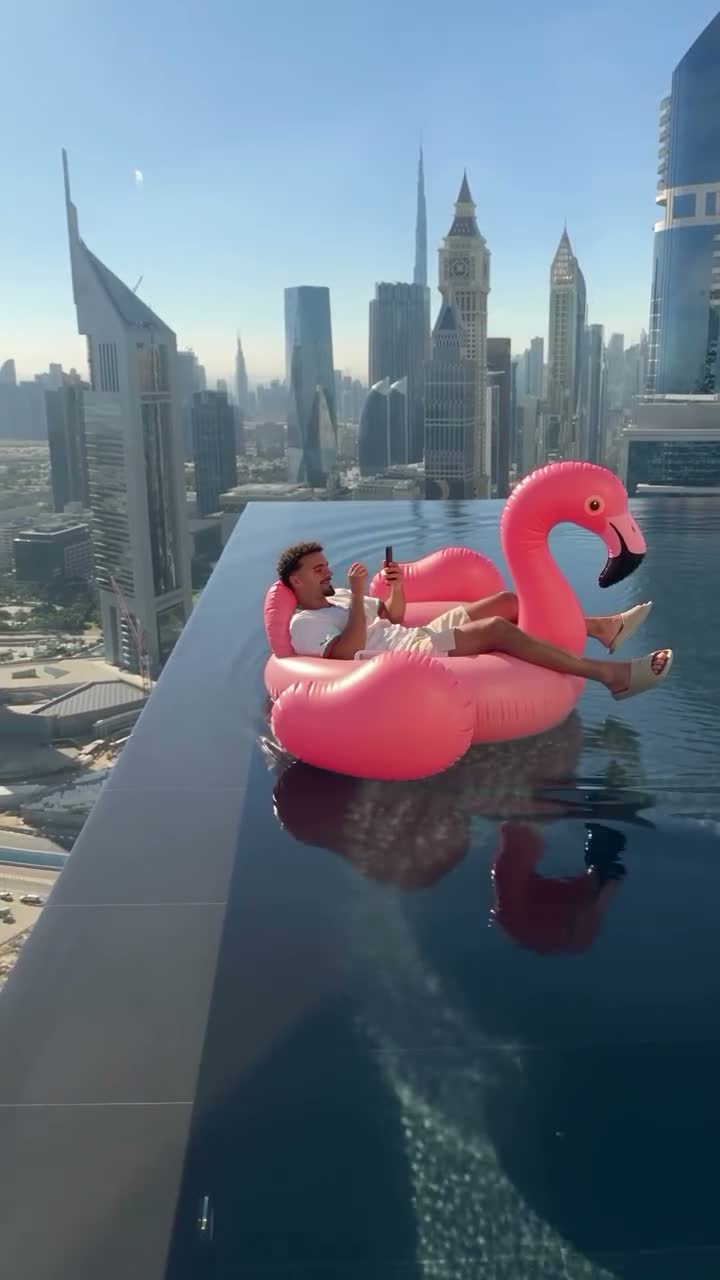

How to use Image to Video
Prepare clear pictures
Choose a JPG, PNG or WebP image with a clear subject, no larger than 10MB each.
Describe how the scene changes
Focus on describing actions, shots, and environmental changes, with pictures providing visual reference.
Open the Image-to-Video Studio
The reference picture is required; select the proportion and duration, and then experience the demonstration results.
Connect creative methods and inspiration
Image to Video FAQ
What images are supported?+
Currently, the upload supports readable JPG, PNG, and WebP images, each of which does not exceed 10MB.
What is the difference from the reference student video?+
Image to Video starts from a single picture. Reference to Video uses multiple images to guide characters, scenes and style.