First & Last Frame.
Use two images to define the beginning and end of the story.
First & Last FrameTwo pictures, the first frame and the last frame, are needed
0/2000The current model is not open for generation yet⌘ ↵
A great prompt makes the difference
Try adding descriptions of subject, action, scene, lighting, and shots to make the image closer to your imagination.
From here, the possibilities are endless
Your creativity is coming soon
Describe your idea on the left and choose your favorite model.
Your next work starts from this moment.
Inspiration is yoursCollection of top models
Start with an inspiration
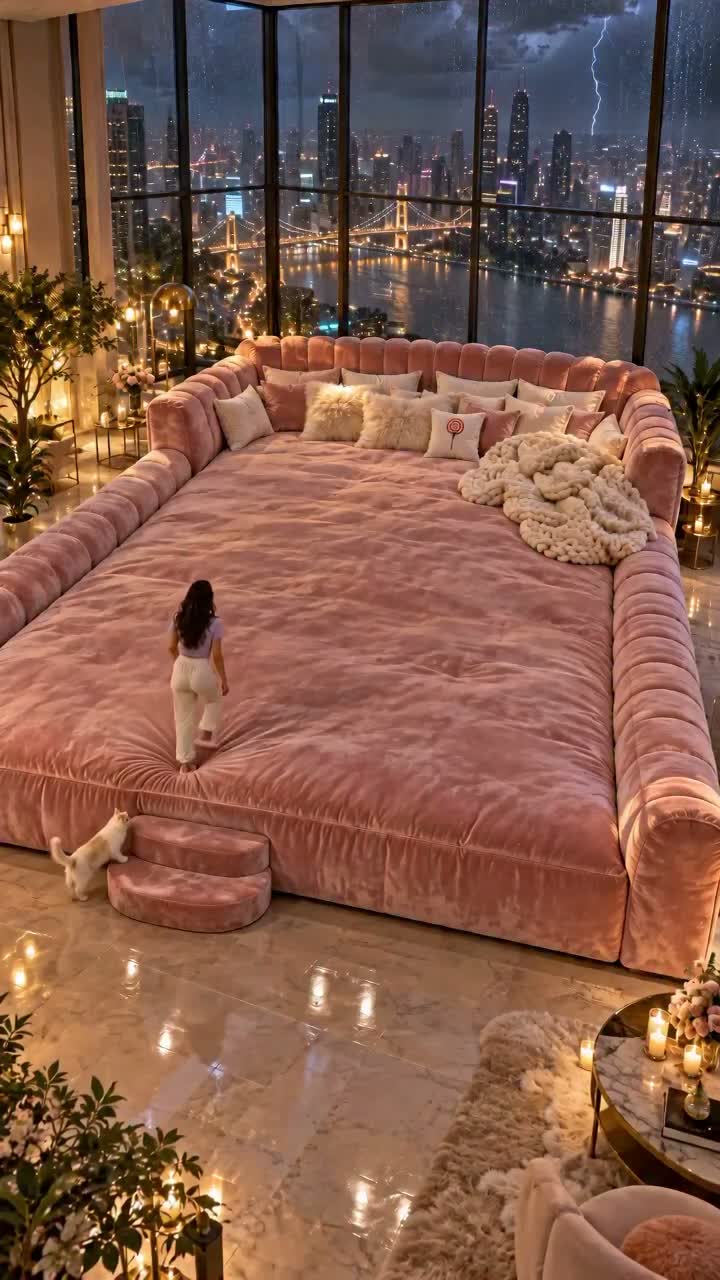
Like this image? Click on the case to try your own version.
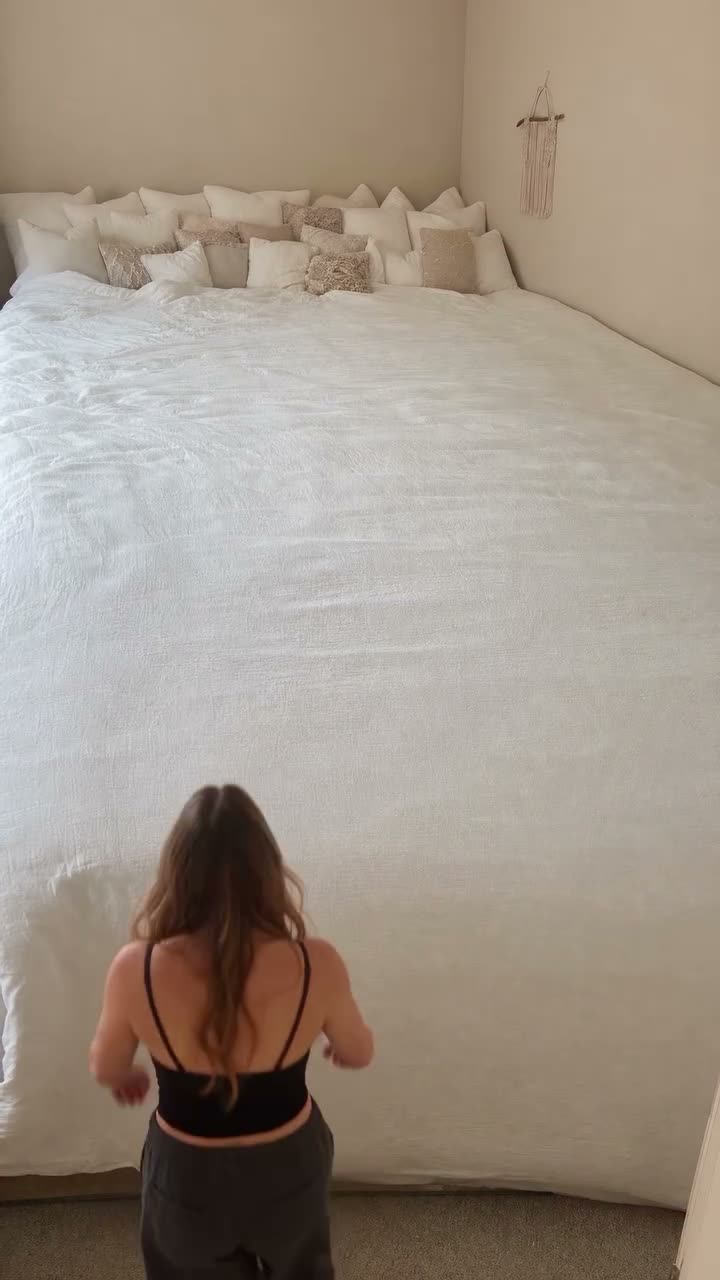
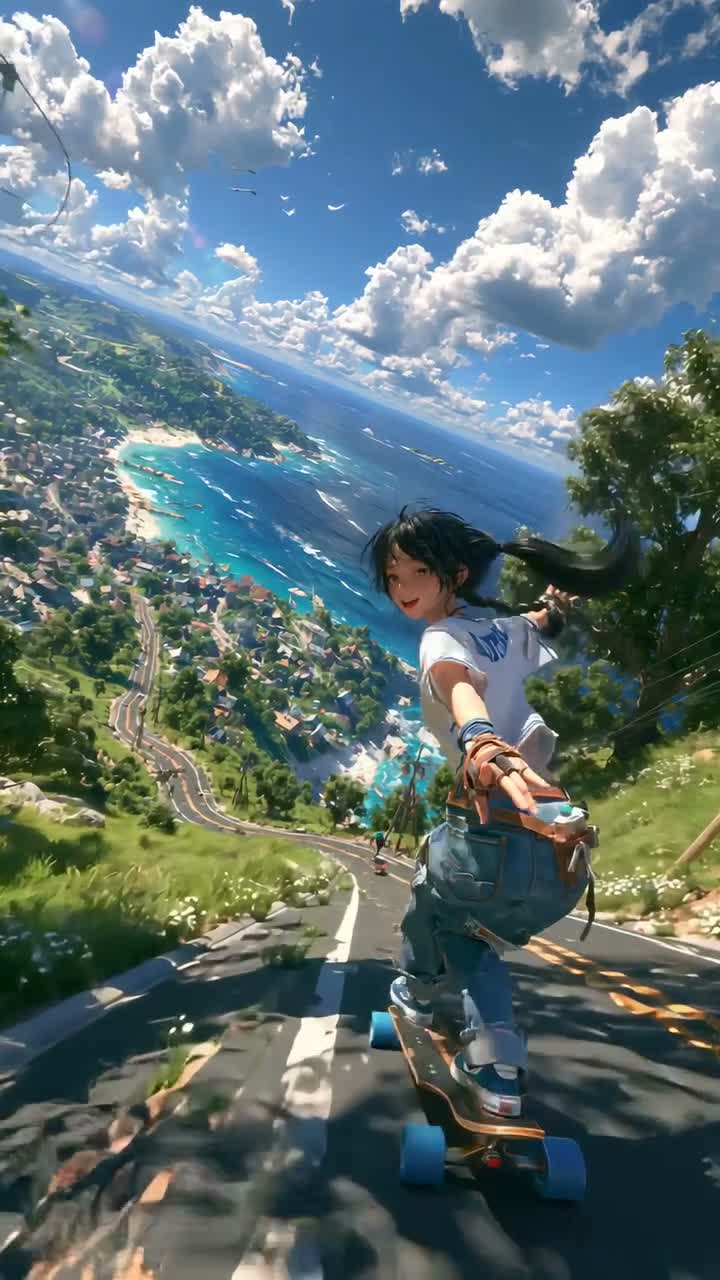
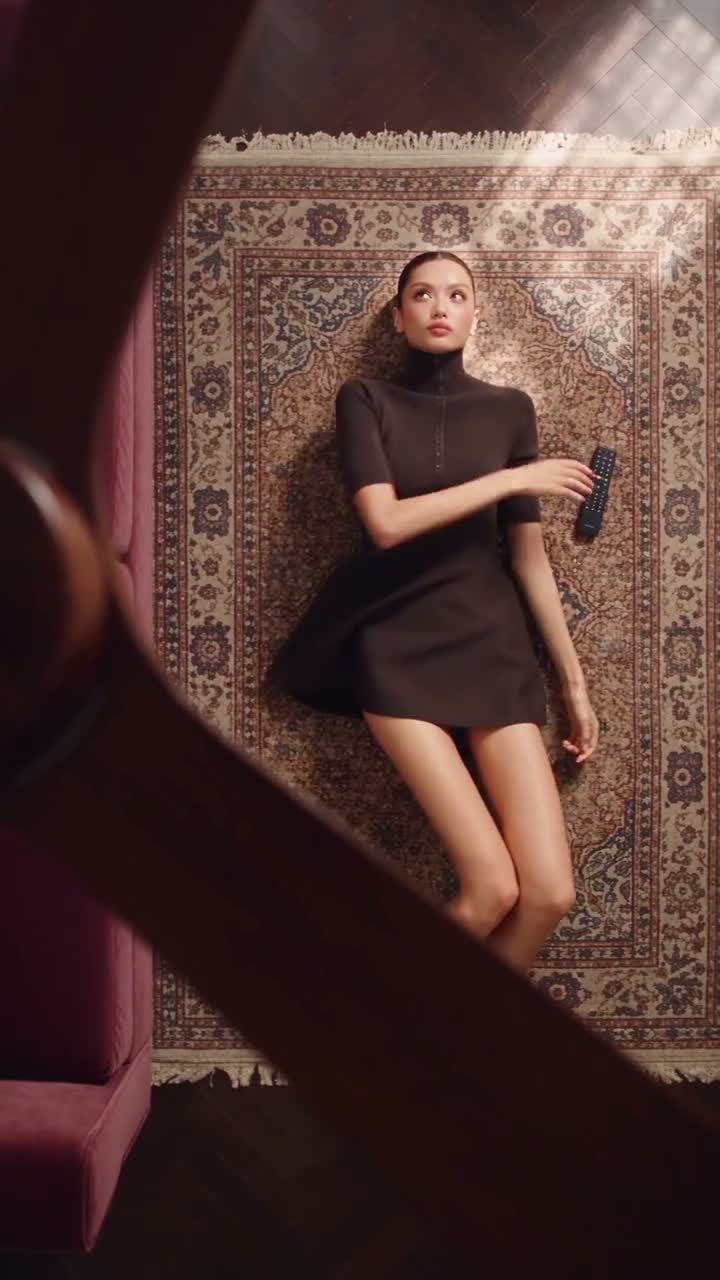
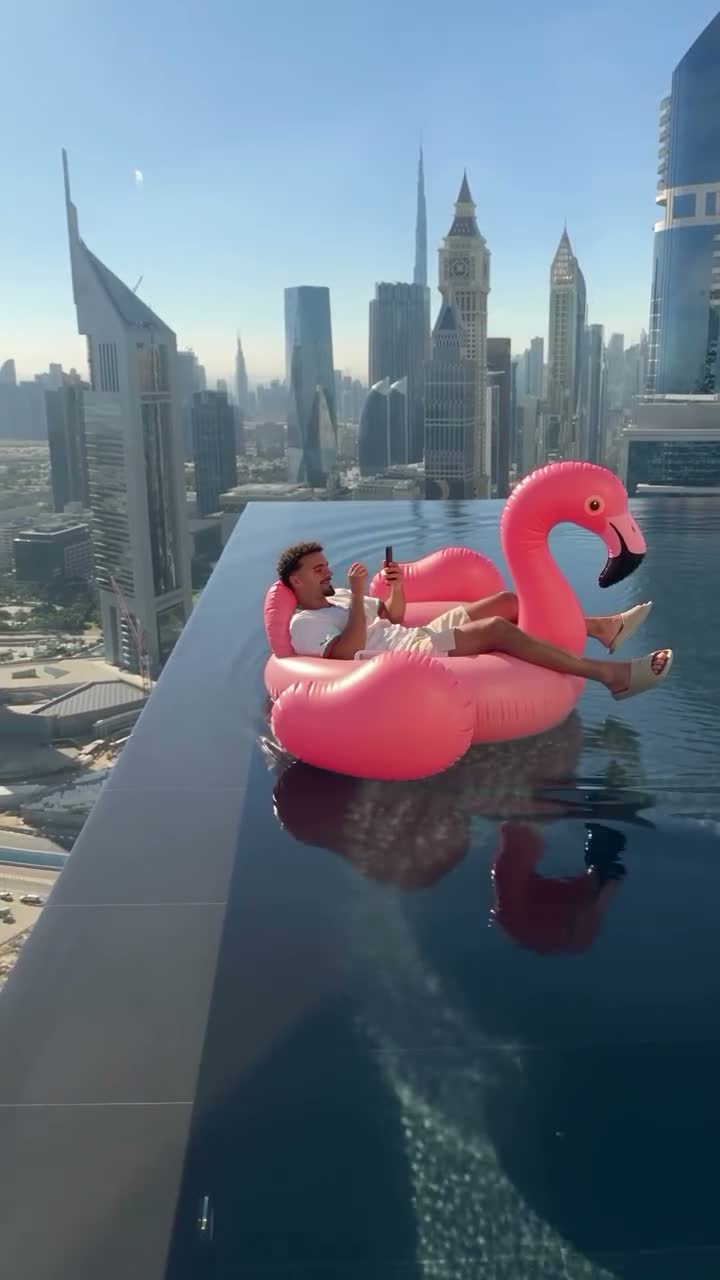
FROM INTENT TO FRAME
How to use First & Last Frame
Add first frame
Choose the scene where the story begins.
Add last frame
Choose where you want the shot to end up, exactly two images are needed.
Describe the changes in the middle
Write down the action, shots, and transitions, then preview the results.
Connect creative methods and inspiration
A LITTLE CLARITY
First & Last Frame FAQ
How many pictures do you need?+
Exactly two are needed, and the order of uploading corresponds to the first frame and the last frame respectively.
Is it currently possible to verify the real transition effect?+
Demo materials are currently used, and the real model effect will be verified after the backend is connected.