Image to Image.
Start from the existing picture and explore another version.
Try adding descriptions of subject, action, scene, lighting, and shots to make the image closer to your imagination.
Your creativity is coming soon
Describe your idea on the left and choose your favorite model.
Your next work starts from this moment.
Start with an inspiration
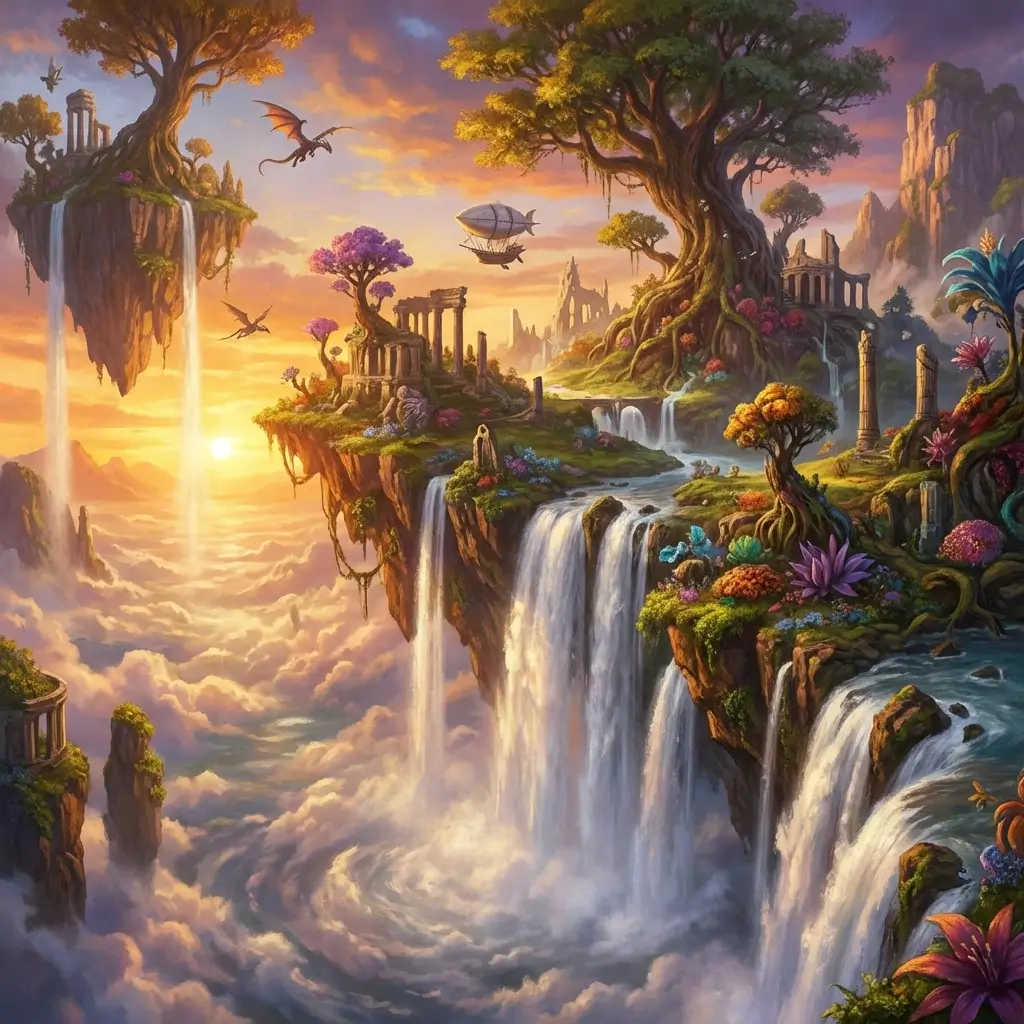
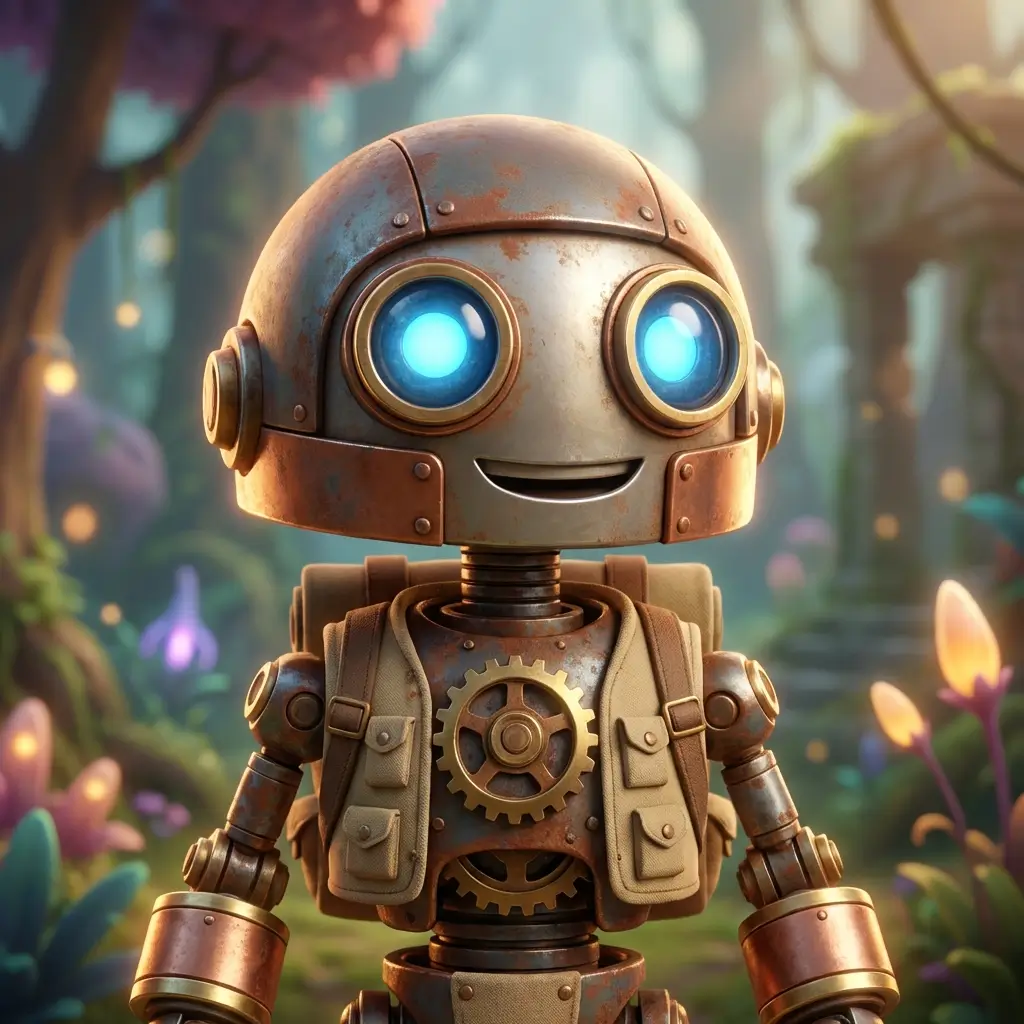
Like this image? Click on the case to try your own version.

How to use Image to Image
Upload reference image
Add at least one clear and readable image, and a maximum of three.
Describe retention and changes
For example, retain the shape of the product, change the background and light, and make the creative goal clearer.
Enter the picture studio
Choose a frame and resolution, check your footage and preview the demo results.
Connect creative methods and inspiration
Image to Image FAQ
Can it be used without uploading images?+
Image to Image requires at least one reference image. Use Text to Image if you have no image to upload.
Will my material be uploaded currently?+
The current prototype only reads and displays reference images in the browser, does not upload materials, and does not write original images to the local work record.